


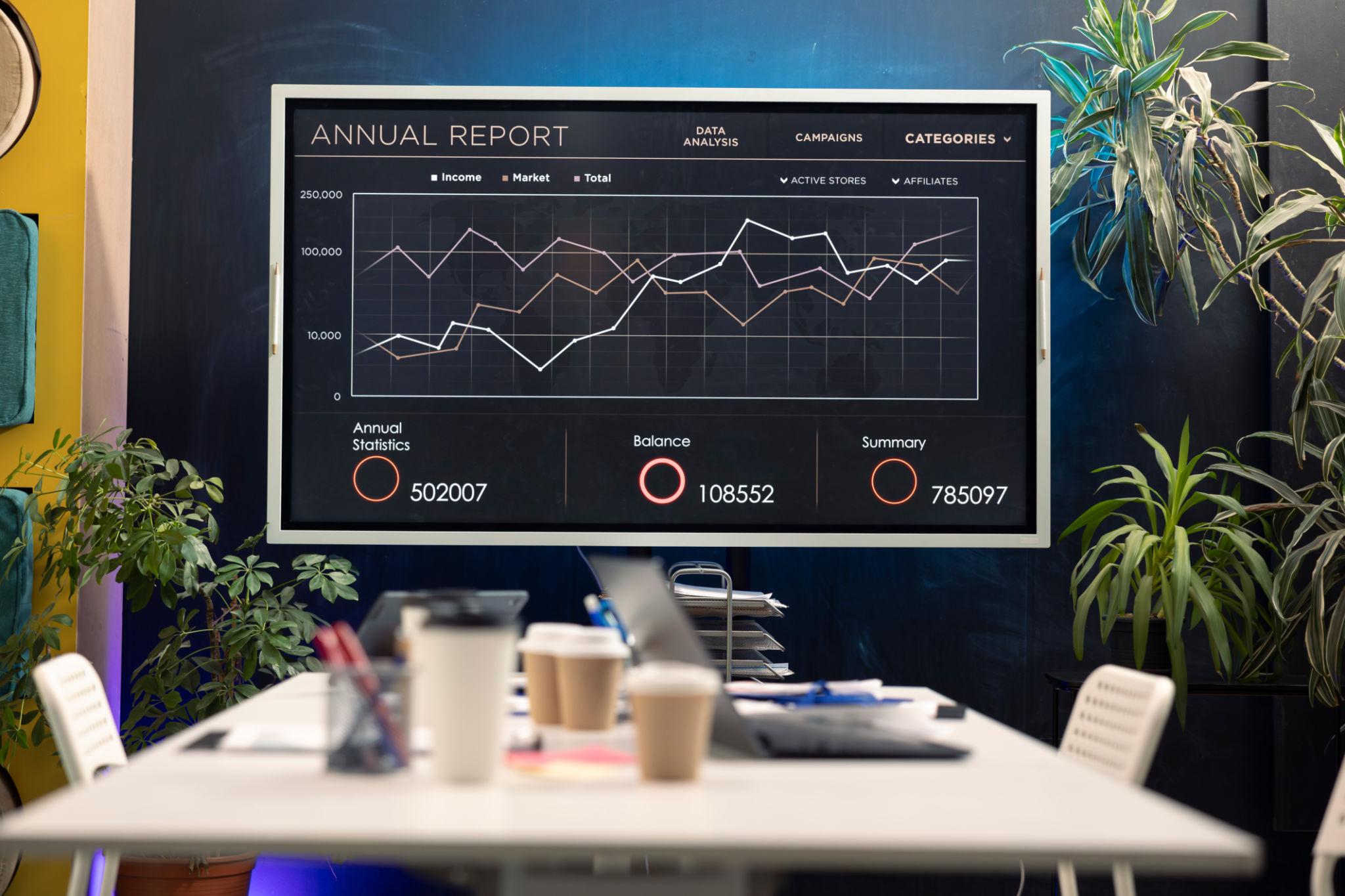

How to Choose the Best Interactive Displays for Business? Interactive displays have become an essential collaboration tool. From boardrooms and training halls to customer experience centres and retail environments, these smart screens improve communication, engagement, and productivity. If your company is planning to invest in interactive display technology, choosing the right solution is critical.
As a trusted BrightApollo solution provider and a growing name among businesses searching for the Best Interactive Screen Seller in Abu Dhabi, understanding what makes an interactive display worth the investment can help you make the right decision.

What Is an Interactive Display?
An interactive display is a large-format touchscreen panel that combines display technology, touch capability, digital whiteboarding, wireless sharing, and collaboration tools in one device. Businesses use them for:
- Team meetings
- Video conferencing
- Client presentations
- Employee training
- Brainstorming sessions
- Digital collaboration
Leading brands like Samsung, BenQ, and ViewSonic offer corporate interactive panels with features such as wireless casting, annotation tools, and video conferencing integration.
Why Businesses Are Investing in Interactive Screens
Traditional projectors and static displays no longer meet the demands of modern collaboration. Interactive screens offer:
- Faster communication
- Better team engagement
- Real-time annotation
- Remote collaboration support
- Improved presentation quality
These advantages help businesses save time while creating more productive meetings.
Key Factors to Consider When Choosing an Interactive Display
1. Screen Size
Screen size should match your meeting space.
General recommendations:
- 55–65 inch: Small meeting rooms
- 75–86 inch: Medium conference rooms
- 98 inch and above: Large boardrooms or training centers
Choosing the right size ensures visibility for every participant.
2. Display Quality
Resolution directly impacts presentation clarity. Look for:
- 4K UHD resolution
- High brightness levels
- Anti-glare screen technology
- Wide viewing angles
Most modern business displays from Samsung and BenQ offer 4K resolution for professional environments.
3. Touch Performance
A responsive touch experience is essential. Look for:
- Multi-touch support
- Low latency
- Accurate stylus recognition
- Palm rejection
Premium displays now support 20 to 40 touch points for collaborative work.
4. Software Compatibility
Your interactive display should integrate with your existing tools, such as:
Business-friendly displays often include built-in collaboration software and wireless screen sharing.
5. Connectivity Options
Ensure your display supports:
- HDMI
- USB-C
- Wi-Fi
- Bluetooth
- LAN connectivity
This allows employees to connect laptops, tablets, and mobile devices easily.
6. Operating System
Interactive displays typically run on:
- Android
- Windows OPS modules
- Cloud collaboration platforms
Choose based on your business ecosystem.
7. Audio and Camera Integration
For hybrid meetings, integrated audio and camera support matters.
Look for:
- Built-in speakers
- AI cameras
- Noise reduction microphones
This improves video conferencing experiences significantly.
Choosing the Right Brand
Not all brands offer the same business experience. Some popular choices include:
Samsung
Known for premium display quality and strong collaboration features.
BenQ
Popular for business meeting rooms with whiteboarding and conferencing tools.
ViewSonic
Widely recognised for collaborative software and enterprise deployment options.
Questions to Ask Before Buying
Before making your purchase, ask:
- What is the warranty period?
- Is installation included?
- Does it include staff training?
- Are software updates available?
- Is after-sales support available locally?
These questions help avoid future operational issues.
Why Businesses in Abu Dhabi Need Expert Consultation
Every organisation has different collaboration needs. A corporate boardroom may need advanced video conferencing features, while a retail showroom may need customer engagement tools.
That’s why working with an experienced provider matters.
If you’re searching for the Best Interactive Screen Seller in Abu Dhabi, BrightApollo helps businesses choose the right display solution based on:
- Business type
- Room size
- User requirements
- Budget
- Integration needs
Final Thoughts
Choosing the right interactive display is not just about buying a screen, it’s about investing in better communication, stronger collaboration, and higher productivity.
The best interactive display should deliver:
- Excellent display quality
- Smooth touch performance
- Reliable connectivity
- Business software compatibility
- Long-term support
With expert guidance from BrightApollo, businesses can confidently choose the right interactive technology solution and create smarter workplaces for the future.
